 DICOM Viewer
Open CT and MRI on Android — offline, without an account
Got a study on a disc, in a folder or in an archive? Open it on your phone, browse series and frames, and keep your own local copy.
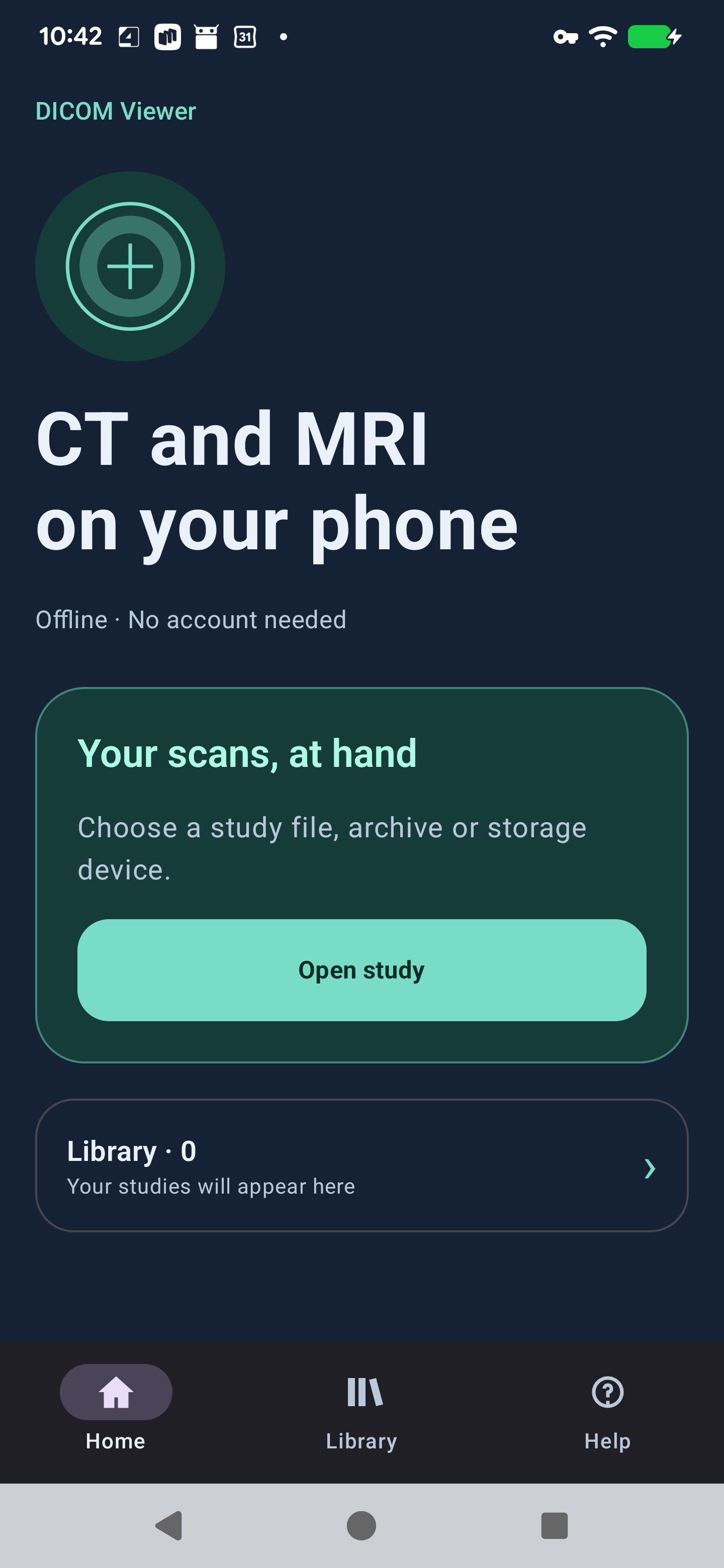
Home, Library and Help are always within reach.
From the study file to the image
Files, archives and discs
Import a file or the whole study folder. DICOMDIR references are checked within that folder. ISO 9660/Joliet/UDF disc images and supported USB Mass Storage CD/DVD drives can be read directly.
View monochrome and supported RGB/YBR/palette images. Decoders include RLE, JPEG, JPEG-LS and JPEG 2000. Scroll through frames, change window/level, invert, pinch to zoom and drag to pan.
Check the import result
- Opening an image does not confirm that the entire study was imported. Check skipped files and warnings in Library.
- Compatibility depends on the files and transfer syntax. Encrypted archives, arbitrary text encodings and Modality/VOI LUT are unsupported.
- No MPR, 3D reconstruction, measurements, PACS or DICOM networking.
Install once. Keep your library.
- Download the APK above and open it from Downloads.
- If Android asks, allow installation for the browser or file manager you used, then tap Install.
- To update, install over the existing app. Keep the app installed to retain its local library.
- Tap Open study and choose File or archive, Study folder, or USB CD / DVD. For DICOMDIR, select the entire study folder.
Requires Android 8.0 or later on arm64-v8a or x86_64. USB drives may need external power. Android asks permission for the connected drive.
Choose your language
English is used for English and other device languages; Russian remains available. On Android 13 and later, use Settings → Apps → DICOM Viewer → Language. Earlier versions follow the device language. Original study names and patient metadata are not translated.
Your studies stay on your device
The app reads selected files and keeps its own copy in private app storage. It needs no account or network access. Removing the app removes that local library; your original files remain unchanged.
Share frame creates a PNG through Android's share sheet. Check it for personal information before choosing a recipient. This website does not accept study uploads. Website visit statistics use Yandex Metrica; that is separate from the offline app.
For support, email a@krot.name with the device model, Android and app version, source format and error message. Do not attach patient files or screenshots with personal details.